4.8 KiB
Examples for backend: immerse
- Supported arguments:
args,axis,color,kwargs,label,legend,linestyle,linetype,marker,markercolor,markersize,nbins,reg,size,title,width,windowtitle,xlabel,ylabel,yrightlabel - Supported values for axis:
:auto,:left - Supported values for linetype:
:line,:step,:sticks,:scatter,:heatmap,:hexbin,:hist,:bar - Supported values for linestyle:
:auto,:solid - Supported values for marker:
:none,:auto,:rect,:ellipse,:diamond,:cross - Is
subplot/subplot!supported? Yes
Initialize
using Plots
immerse!()
Lines
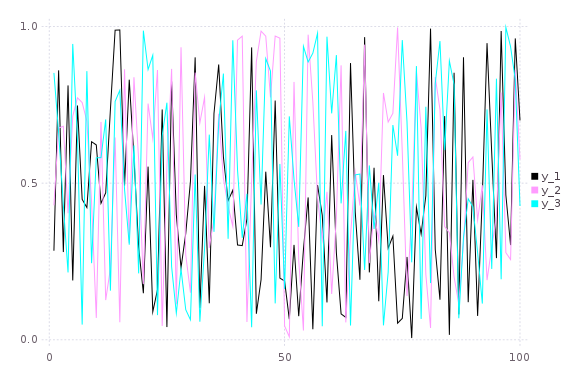
A simple line plot of the 3 columns.
plot(rand(100,3))
Functions
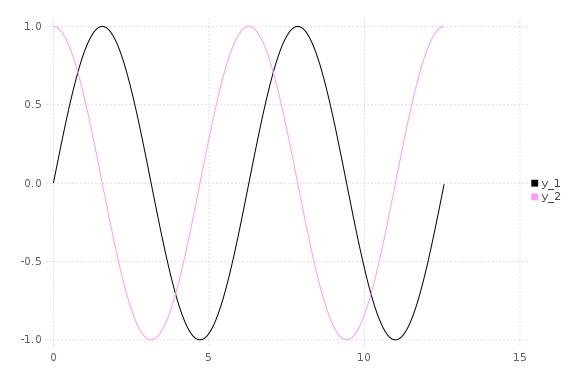
Plot multiple functions. You can also put the function first.
plot(0:0.01:4π,[sin,cos])
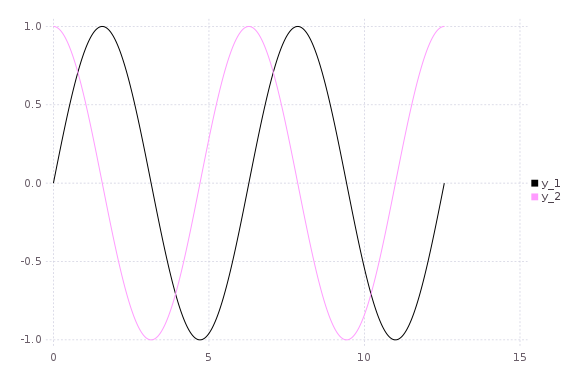
You can also call it with plot(f, xmin, xmax).
plot([sin,cos],0,4π)
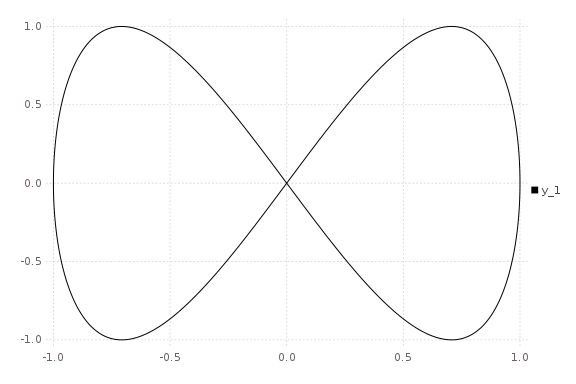
Or make a parametric plot (i.e. plot: (fx(u), fy(u))) with plot(fx, fy, umin, umax).
plot(sin,(x->begin  # /home/tom/.julia/v0.4/Plots/docs/example_generation.jl, line 33:
            sin(2x)
        end),0,2π)
Global
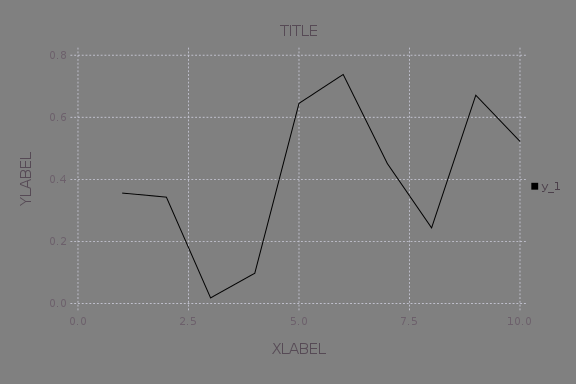
Change the guides/background without a separate call.
plot(rand(10); title="TITLE",xlabel="XLABEL",ylabel="YLABEL",background_color=RGB(0.5,0.5,0.5))
Two-axis
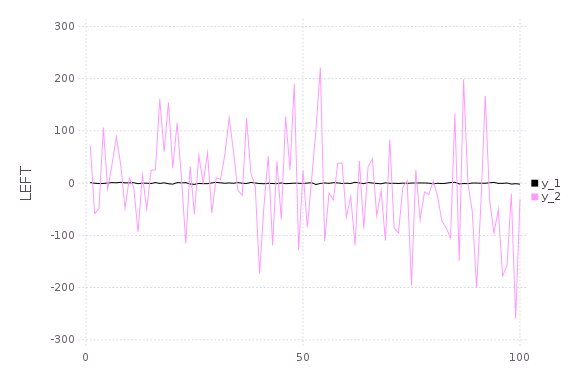
Use the axis or axiss arguments.
Note: Currently only supported with Qwt and PyPlot
plot(Vector[randn(100),randn(100) * 100]; axiss=[:left,:right],ylabel="LEFT",yrightlabel="RIGHT")
Vectors w/ pluralized args
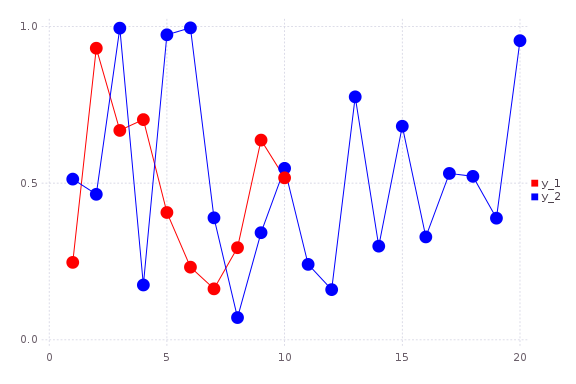
Plot multiple series with different numbers of points. Mix arguments that apply to all series (singular... see marker) with arguments unique to each series (pluralized... see colors).
plot(Vector[rand(10),rand(20)]; marker=:ellipse,markersize=8,colors=[:red,:blue])
Build plot in pieces
Start with a base plot...
plot(rand(100) / 3; reg=true,fillto=0)
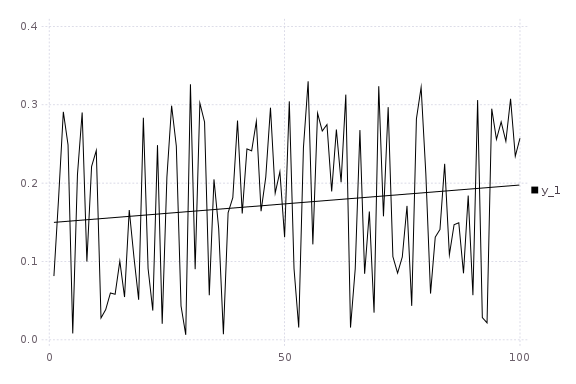
and add to it later.
scatter!(rand(100); markersize=6,color=:blue)
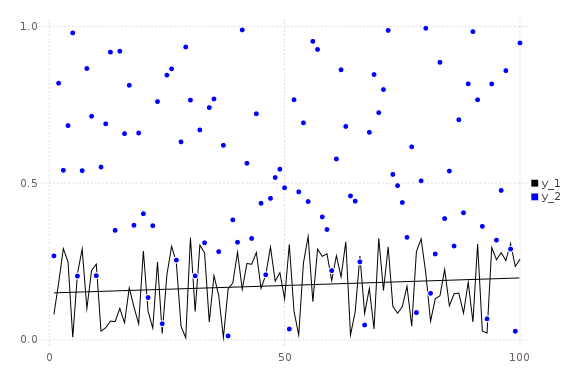
Heatmaps
heatmap(randn(10000),randn(10000); nbins=100)
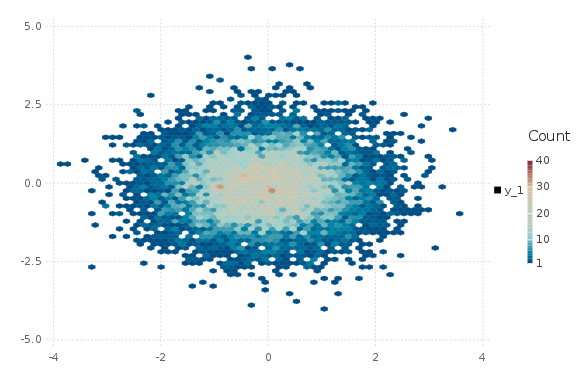
Suported line types
All options: (:line, :orderedline, :step, :stepinverted, :sticks, :scatter, :none, :heatmap, :hexbin, :hist, :bar)
types = intersect(supportedTypes(),[:line,:step,:stepinverted,:sticks,:scatter])
n = length(types)
x = Vector[sort(rand(20)) for i = 1:n]
y = rand(20,n)
plot(x,y; linetypes=types,labels=map(string,types))
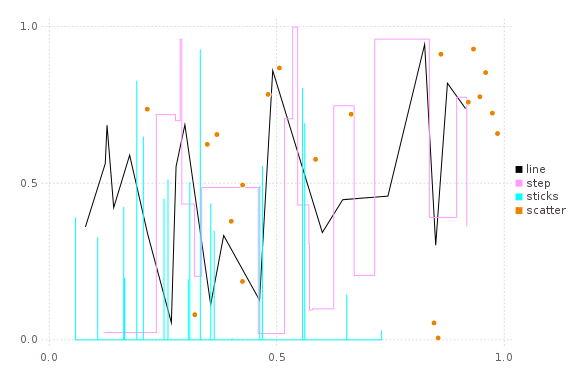
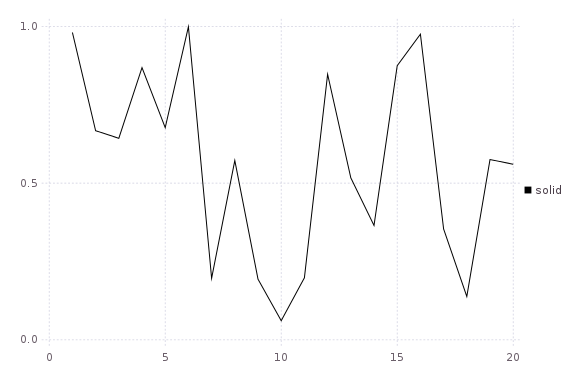
Supported line styles
All options: (:solid, :dash, :dot, :dashdot, :dashdotdot)
styles = setdiff(supportedStyles(),[:auto])
plot(rand(20,length(styles)); linestyle=:auto,labels=map(string,styles))
Supported marker types
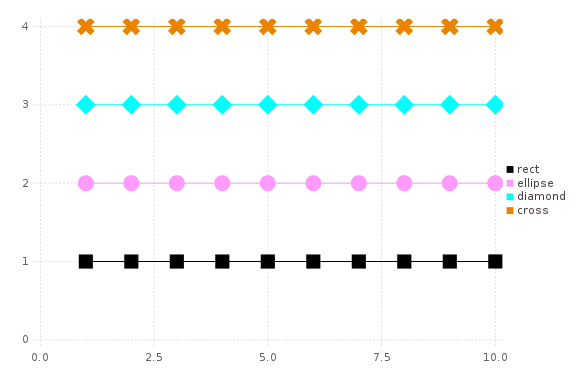
All options: (:none, :auto, :ellipse, :rect, :diamond, :utriangle, :dtriangle, :cross, :xcross, :star1, :star2, :hexagon)
markers = setdiff(supportedMarkers(),[:none,:auto])
plot([fill(i,10) for i = 1:length(markers)]; marker=:auto,labels=map(string,markers),markersize=10)
Bar
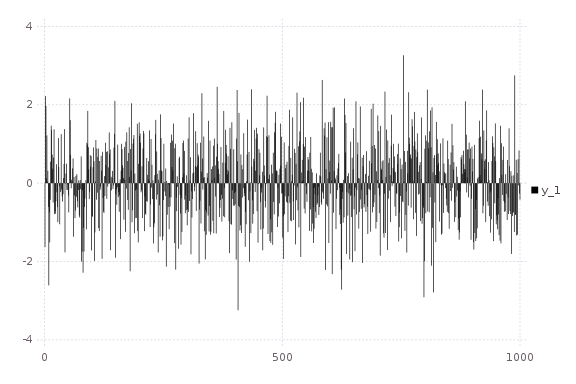
x is the midpoint of the bar. (todo: allow passing of edges instead of midpoints)
bar(randn(1000))
Histogram
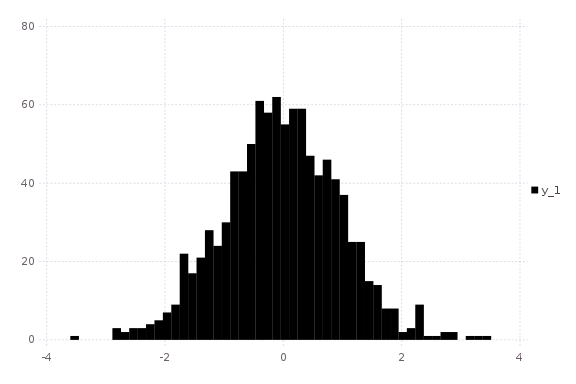
note: fillto isn't supported on all backends
histogram(randn(1000); nbins=50,fillto=20)
Subplots
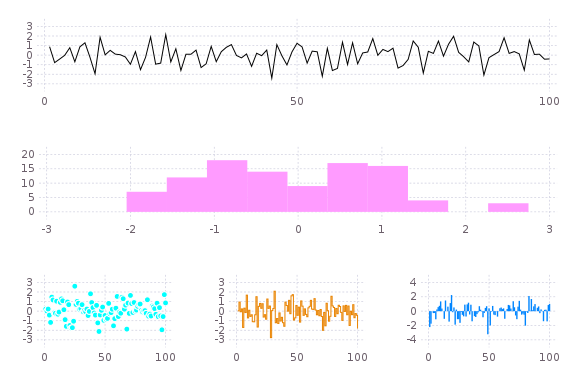
subplot and subplot! are distinct commands which create many plots and add series to them in a circular fashion.
You can define the layout with keyword params... either set the number of plots n (and optionally number of rows nr or
number of columns nc), or you can set the layout directly with layout.
Note: Gadfly is not very friendly here, and although you can create a plot and save a PNG, I haven't been able to actually display it.
subplot(randn(100,5); layout=[1,1,3],linetypes=[:line,:hist,:scatter,:step,:bar],nbins=10,legend=false)
Adding to subplots
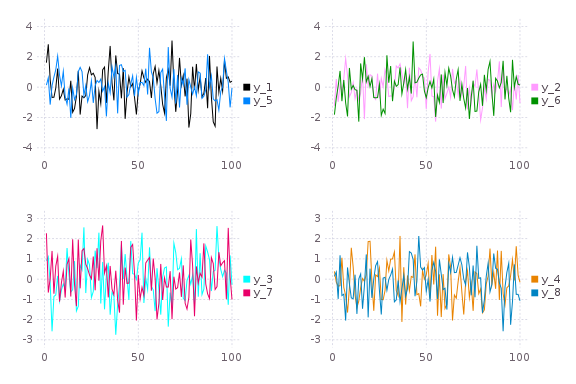
Note here the automatic grid layout, as well as the order in which new series are added to the plots.
subplot(randn(100,5); n=4)
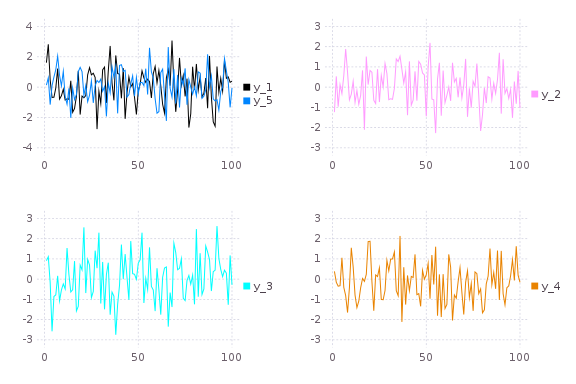
subplot!(randn(100,3))